Quotes
Sometimes a customer wants a price in writing before they commit. The 📄 Quote button turns the current cart into a tier-priced quotation PDF — without creating a Linnworks order. Nothing is placed, processed or counted against stock; it's a quote, not a sale.
Generate a quote
Build the cart exactly as you would for an order — add products, pick the customer, set quantities. Then, instead of submitting, click 📄 Quote.
-
Build the cart
Add the products and quantities you want to quote. If the customer is on a tier, their B2B Price Tiers prices are already applied, so the quote shows the real tier-priced figures.
-
Click 📄 Quote
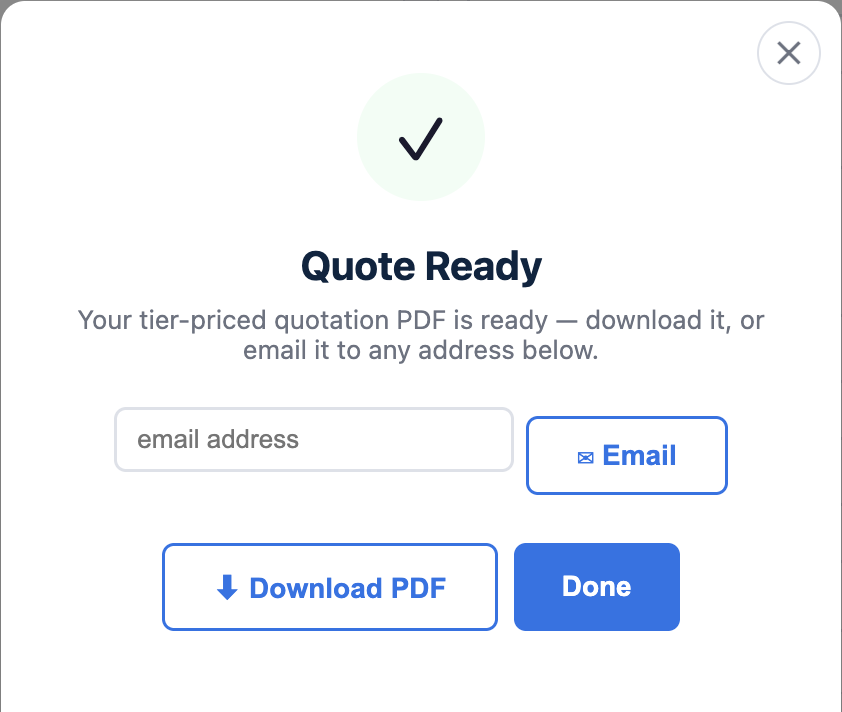
Trade Order POS generates a quotation PDF from the cart and downloads it. The PDF lists each line at its tier price with the cart totals.

-
Optionally email it to the customer
If the selected customer has an email address, you can email the quote PDF straight to them as well as downloading it.
A quote is not an order. Generating a quote does not create anything in Linnworks — no order shell, no stock allocation, no payment status. When the customer accepts, build the cart again (or reload it) and submit it as a normal order.
When to use it
- B2B price quotes — give a trade customer their tier prices in writing before they raise a purchase order.
- Approval workflows — send a costed quote up the chain without committing stock.
- Phone & email enquiries — answer "how much would this lot be?" with a tidy PDF rather than a typed list.
For how tier prices reach the cart in the first place, see the B2B Price Tiers integration.