Payment status
The order form has a Payment Status selector that sets the order's native Linnworks payment status as the order is created — so paid orders land in Linnworks already marked paid, with no follow-up trip to the order book.
The Payment Status selector
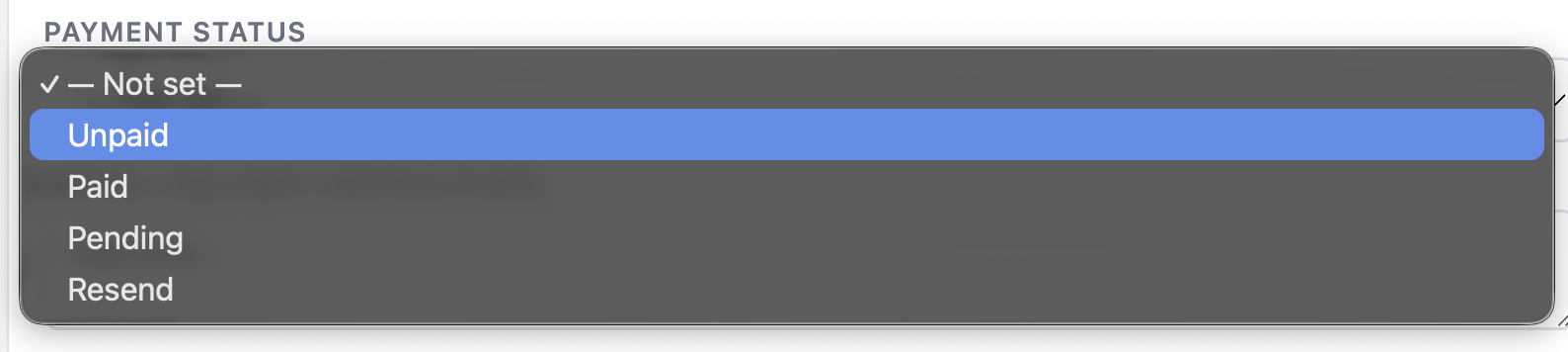
On the order form, pick how the order is paid before you submit. The choice is written to the order's native payment status in Linnworks (via the order book), not stored as a free-text note.
| Option | What it does |
|---|---|
| Unpaid | The order is created with no payment recorded — the default for accounts you invoice later. |
| Paid | Marks the order as paid in Linnworks, so it lands already settled. |
| Pending | Payment is expected but not yet confirmed — useful for bank transfers or orders awaiting a card. |
| Resend | Re-issues the payment status against the order, handy if the first attempt to set it didn't take. |
Native, not a note. Payment Status sets the order's real Linnworks payment status through the order book, so it shows up wherever Linnworks reports on payment — not just as text on the order.
Default Payment Status
Just like Default Location, each login can save a Default Payment Status in Settings. The order form pre-selects it on every new order, so a counter that's always "Paid" or an account desk that's always "Unpaid" never has to set it by hand.
It's a per-login preference — each member of your team can set their own default without affecting anyone else.
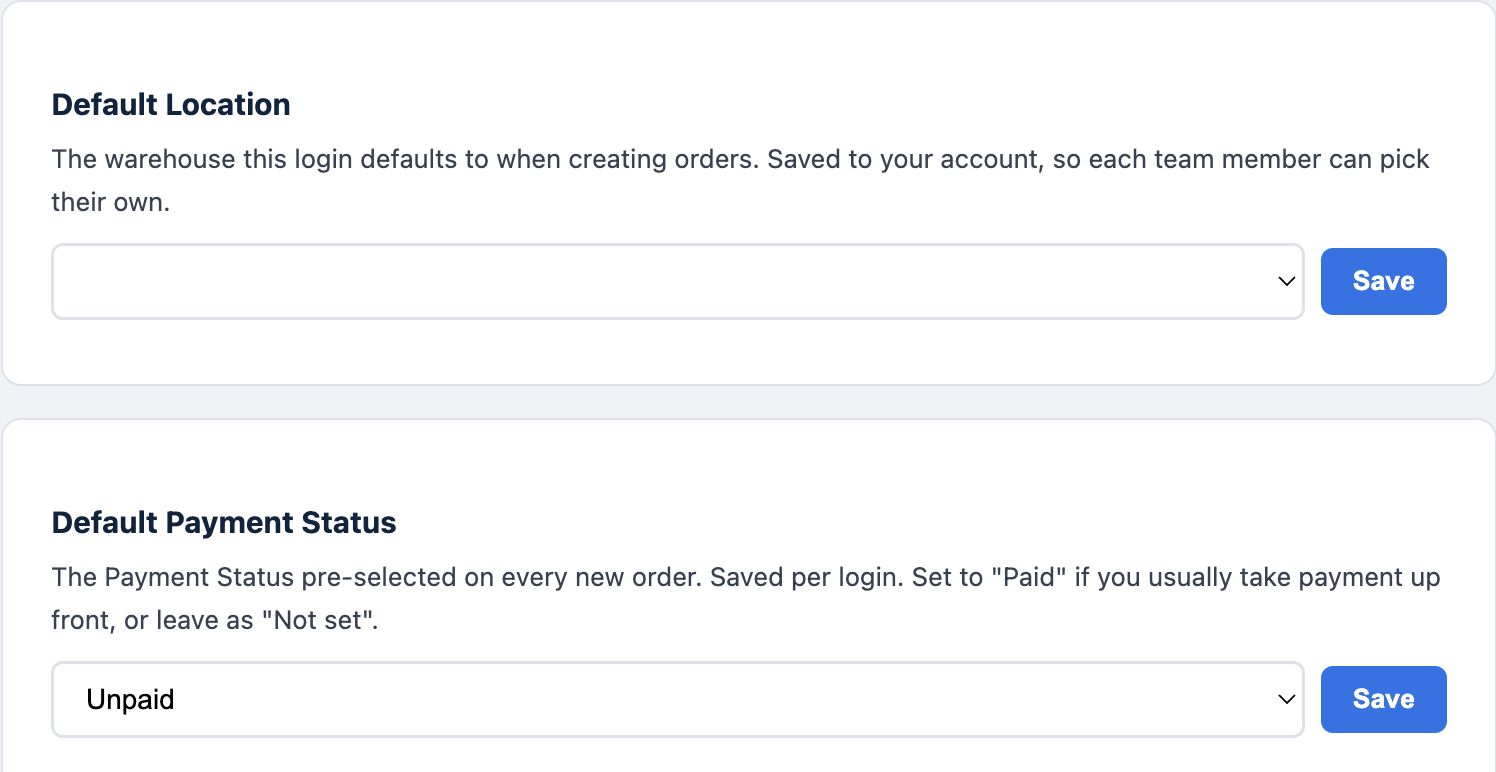
You can always override the default on any individual order — the Settings value just decides what's pre-selected when the form loads.